








Menu-in · About
Your business catalog, under your control.
Menu-in brings menus, services and product catalogs into one workspace. Restaurants, hotels, salons, shops and other businesses can prepare, update and share their own presentation.
Tools for everyday business management
From a file to a catalog
Read PDFs and images with Menu Ai or import Excel. Review products, prices, extras and variants before saving.
Content and appearance together
Prepare descriptions and images with Menu Ai and choose an available style. Match your brand with themes, colours, logo and cover.
Links, QR codes and orders
Share your catalog in the browser. Manage enabled order types and add contact details, opening hours and maps.
Menu-in
Keep everyday information current.
Update an item, price or opening time in your dashboard and save it. Check the menu on your phone to confirm that guests see the right information.
How it works ↗Tools for your restaurant menu
Start with an existing file, prepare menu languages and manage category discounts. Explore the workflows and examples.
Import a menu from PDF, images or Excel
Read a PDF or menu photo with Menu Ai, or import Excel. Review categories, prices and variants before saving them to your restaurant menu.
Learn moreManage a multilingual restaurant QR menu
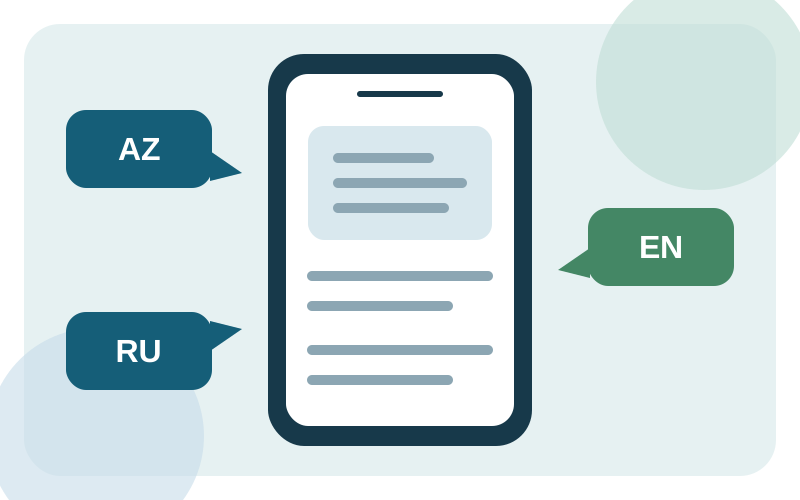
Choose your menu languages and prepare translated item names, descriptions and categories. Check each language before sharing your restaurant QR menu.
Learn moreManage menu category discounts
Enter a separate discount percentage for each menu category and save the changes together. Check the resulting prices in your restaurant QR menu.
Learn moreYour business, in one link.
Prepare your catalog, check its appearance and share it with customers.