








Menu-in · كيف يعمل
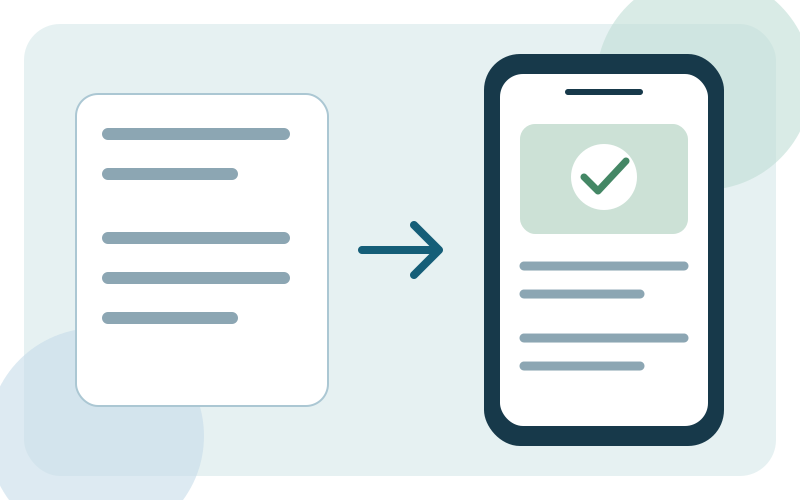
من ملف إلى كتالوج قابل للمشاركة.
أنشئ أعمالك وجهّز الكتالوج وتحقق من التصميم. شارك رابطًا أو رمز QR دون أن يحتاج عملاؤك إلى تثبيت تطبيق.
سجّل الدخول إلى حسابك
سجّل الدخول أو أنشئ حسابًا، ثم افتح نموذج إنشاء الأعمال.
جهّز أعمالك
اختر القطاع وتنسيق قائمة الطعام أو الخدمات أو كتالوج المنتجات. أكمل إعدادات التواصل وساعات العمل واللغات والعملة.
أضف المنتجات أو استوردها
أنشئ المنتجات يدويًا أو ارفع Excel أو اقرأ الصور وملفات PDF باستخدام Menu Ai. راجع الأسعار والمكونات والخيارات قبل الحفظ.
راجع وشارك
اختر قالبًا ولون العلامة التجارية، ثم تحقق من معاينة الهاتف. احفظ الكتالوج المنشور وراجعه وشارك رابطه أو رمز QR الخاص به.
قبل المشاركة
- أسماء العناصر وأسعارها صحيحة.
- تظهر الصور ويمكن قراءة الأوصاف.
- ساعات العمل ومعلومات التواصل واللغات مكتملة.
- يفتح رمز QR قائمة الطعام على هاتف آخر.
أعمالك، في رابط واحد.
جهّز الكتالوج وتحقق من مظهره وشاركه مع العملاء.