








Menu-in · Как это работает
От файла к опубликованному каталогу.
Создайте компанию, подготовьте каталог и проверьте оформление. Делитесь ссылкой или QR-кодом без необходимости устанавливать приложение для клиентов.
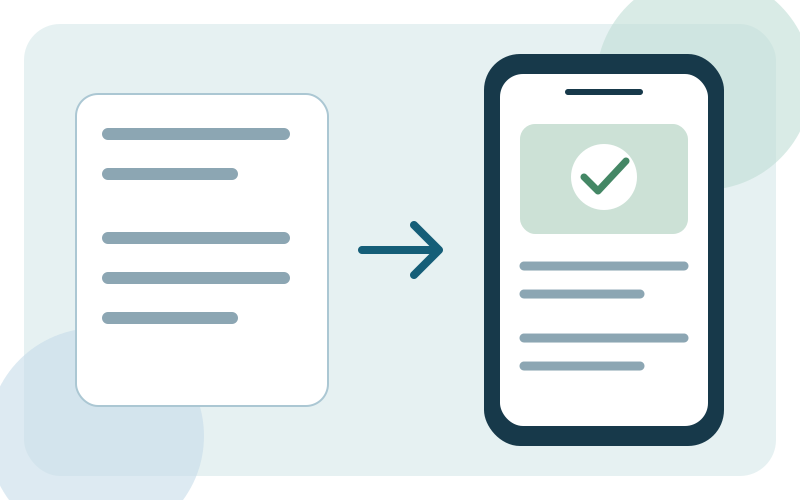
Войдите в аккаунт
Войдите или зарегистрируйтесь, затем откройте форму создания компании.
Настройте свою компанию
Выберите сферу деятельности и формат: меню, услуги или каталог товаров. Заполните контакты, часы работы, языки и валюту.
Добавьте или импортируйте товары
Создавайте товары вручную, загружайте Excel или читайте изображения и PDF с Menu Ai. Перед сохранением проверьте цены, состав и варианты.
Проверьте и поделитесь
Выберите тему и цвет бренда, затем проверьте предпросмотр на телефоне. Сохраните, просмотрите опубликованный каталог и поделитесь ссылкой или QR-кодом.
Перед публикацией
- Названия и цены товаров указаны правильно.
- Изображения загружаются, а описания читаются.
- Часы работы, контакты и языки заполнены.
- QR-код открывает меню на другом телефоне.
Инструменты для меню ресторана
Начните с готового файла, подготовьте языки меню и настройте скидки категорий. Изучите рабочие процессы и примеры.
Импорт меню из PDF, фото и Excel
Прочитайте PDF или фото меню с Menu Ai либо импортируйте Excel. Проверьте категории, цены и варианты перед сохранением в меню ресторана.
ПодробнееМногоязычное QR-меню ресторана
Выберите языки меню, подготовьте переводы названий, описаний и категорий. Перед публикацией QR-меню ресторана проверьте каждый язык.
ПодробнееУправление скидками по категориям меню
Укажите отдельный процент скидки для каждой категории меню и сохраните изменения вместе. Проверьте получившиеся цены в QR-меню ресторана.
ПодробнееВаш бизнес в одной ссылке.
Подготовьте каталог, проверьте его оформление и поделитесь с клиентами.